

If you're jumping into Halo Campaign Evolved on PC and want a steady 60 frames per second without fussing over sliders for an hour, the sweet spot is surprisingly aggressive: cap the frame rate at 60, run at native resolution with 100% resolution scale, drop almost every quality preset to Low or Very Low, keep textures at Medium, and lean on FSR for upscaling if you're on AMD hardware. Turn off screen shake and motion blur, enable Async Compute, and treat Frame Generation as a last resort.
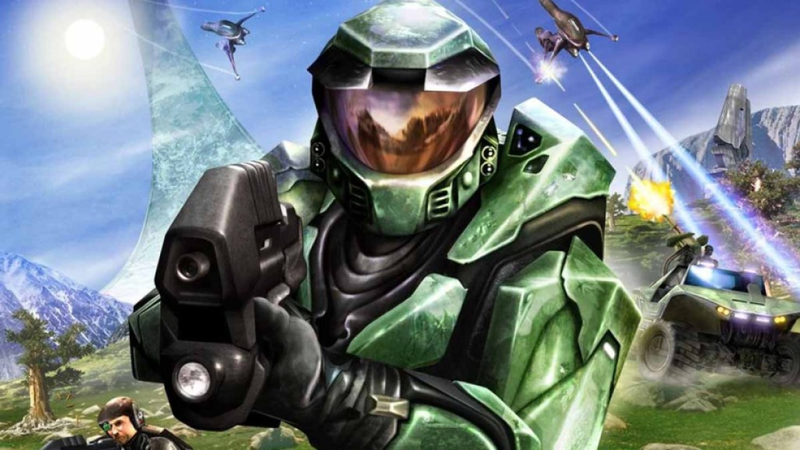
The Revamped Campaign Lands on PC

Halo Campaign Evolved — 343 Industries' modernized take on the original Halo: Combat Evolved — launched into early access across PC and consoles this month. The PC version is the only place where you can really dig into the graphics pipeline, and the game's early-access state means the default presets aren't always kind to mid-range rigs. The guide above comes from a Ryzen 7 5700X paired with an AMD Radeon 9060 XT and 32 GB of DDR4 — hardware that sits comfortably above the recommended spec — but the settings are tuned for players closer to the minimum requirements, where stutters and frame-time spikes are most likely to show up.
Why 60 FPS Is the Right Ceiling Right Now

Uncapped frame rates sound great on paper, but in early testing they introduced minor but noticeable hitches during combat encounters and level transitions. Capping at 60 FPS stabilizes frame pacing and eliminates those micro-stutters without a perceptible loss in smoothness on most displays. If you're running a high-refresh monitor and your hardware has headroom, you can push higher — but "None" as a frame limit is asking for trouble in this build.
The Quality Settings Breakdown
The preset strategy is blunt: sacrifice visual fidelity almost everywhere except textures. Effects, Geometry, Global Illumination, Lighting, Reflections, and Atmospheric quality all sit at Low or Very Low. Texture Quality stays at Medium because VRAM pressure on the 9060 XT's 16 GB buffer is negligible at that setting, and it preserves the remastered asset work on surfaces and character models. Post-Processing at Medium keeps bloom and color grading intact without the cost of High. Screen shake and motion blur are disabled — not for performance, but because they obscure visual clarity in a game where reading projectile trajectories and enemy animations matters.
Upscaling and Async Compute: The Performance Levers
FSR is the upscaling path for AMD cards, and the guide recommends targeting the Performance preset. Nvidia users will want to check whether DLSS is available in the final build; the early-access version currently favors FSR. Async Compute should stay On — it lets the GPU overlap graphics and compute workloads, which smooths out frame times in heavier scenes. Frame Generation remains Off by default; it adds latency and can introduce ghosting in fast motion, so only enable it if you've exhausted every other knob and still can't hit 60.
Where This Fits in the Broader PC Optimization Conversation
This configuration mirrors a trend we're seeing across recent remasters and "evolved" editions: developers ship with ambitious default presets that assume high-end hardware, leaving mid-range and budget players to reverse-engineer a playable baseline. The Halo Campaign Evolved settings menu is granular enough to allow that reverse-engineering, but it also exposes how much headroom the engine has when you strip away the bells and whistles. It's a reminder that "remastered" doesn't automatically mean "well-optimized out of the box."
The Caveats: Early Access Means Moving Targets
343 has already signaled post-launch patches to address performance quirks. That means today's optimal settings could be suboptimal next month — or the very stutters that justify the aggressive Low presets might get ironed out, letting you bump Geometry and Lighting back up. Frame Generation's current drawbacks (latency, artifacts) may also improve with driver updates. If you're reading this a few patches in, treat the above as a starting baseline, not gospel.
What to Watch For
The next round of patches will tell us whether 343 prioritizes visual parity with consoles or PC-specific scalability. Keep an eye on patch notes for Async Compute fixes, FSR version upgrades, and any DLSS integration. For now, the 60 FPS cap + Low-everything-except-textures approach is the most reliable path to a lag-free run through the Pillar of Autumn — and it lets the original art direction shine through without the modern effects pile-up getting in the way.
Comments (0)
Loading comments…