
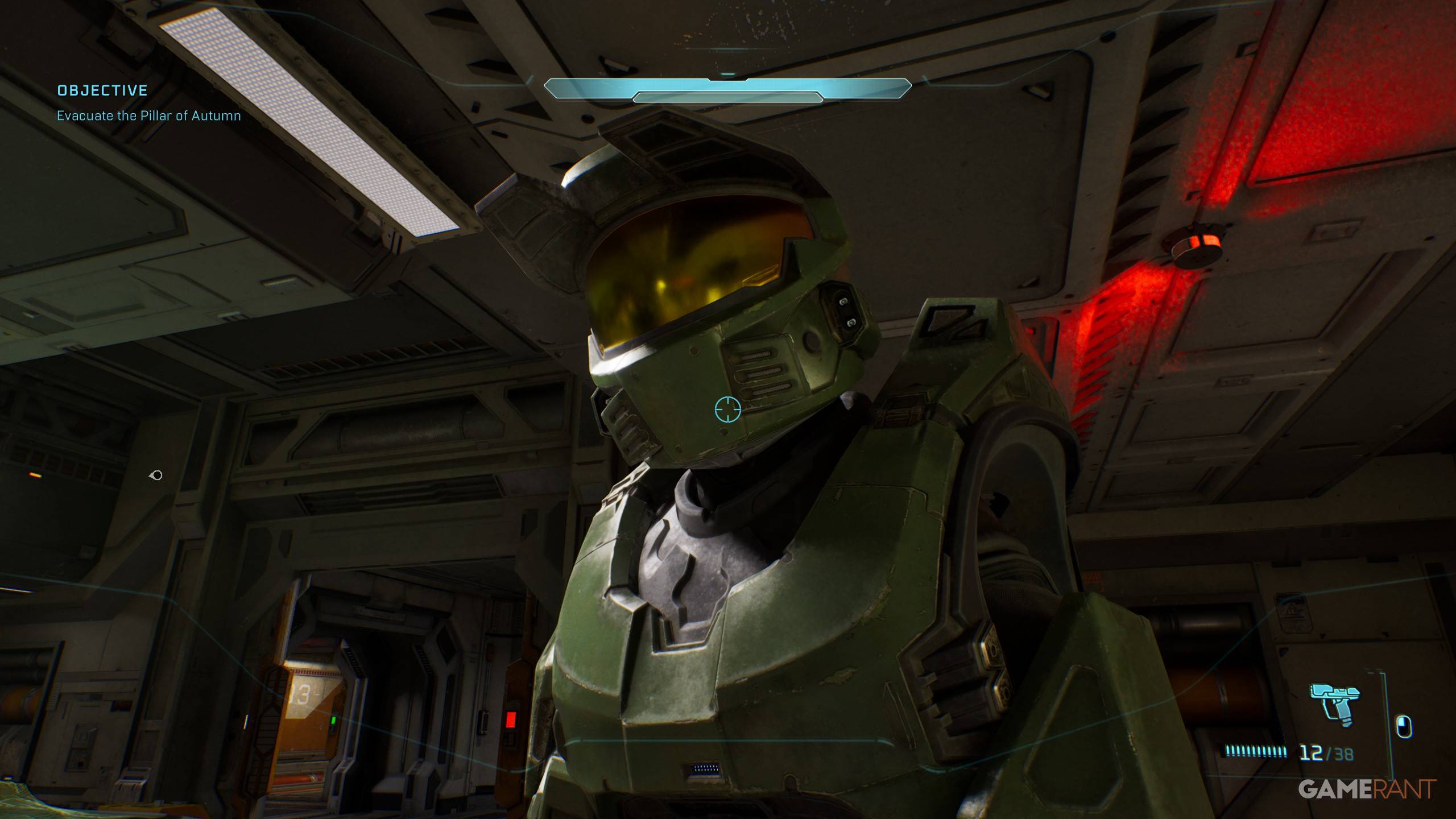
To enter Machinima Mode in Halo Campaign Evolved you'll need to hold the right button combo — but default controller bindings will make you drop your weapon instead. The fix takes seconds: remap one button in the settings. For keyboard users, it's even simpler. Let's break down both methods, and what to expect once you're floating around as a free-floating camera.
How to Enter Machinima Mode on Controller
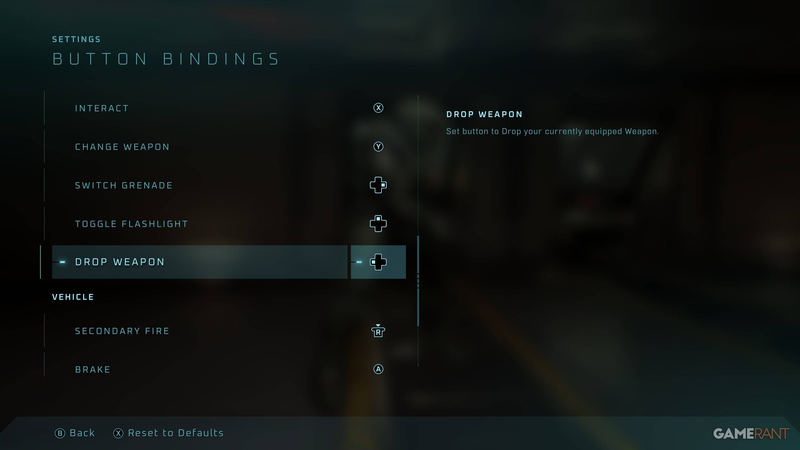
On a PS or Xbox controller, the official combo to lower your weapon is Hold Square (PS) / X (Xbox) + Down D-Pad. Then, while still holding Square/X, press Up D-Pad to enter Machinima Mode. The problem? By default, Down D-Pad is mapped to Drop Weapon, so your Spartan will toss their gun before you enter freecam.
To fix this, hit Options to open Settings, then go to Controller Settings and choose Change Button Bindings. Remap "Drop Weapon" to any unused direction — like Left D-Pad — so Down D-Pad is freed up for the Machinima Mode combo. This is a common workflow adjustment for anyone who uses a controller on PC or a handheld like the ASUS ROG Ally, where the same button conflicts can arise.
Keyboard and Mouse Shortcuts
If you're playing on mouse and keyboard, you don't need to remap anything. Simply Hold E + Down Arrow to lower your weapon, then Hold E + Up Arrow to activate freecam. To exit, repeat the same combo (Hold E + Up Arrow). That's it — no fiddling with menus required. The keyboard method is the cleanest way to jump into AI-free camera work, especially for rapid take-recording sessions.
What Machinima Mode Actually Does
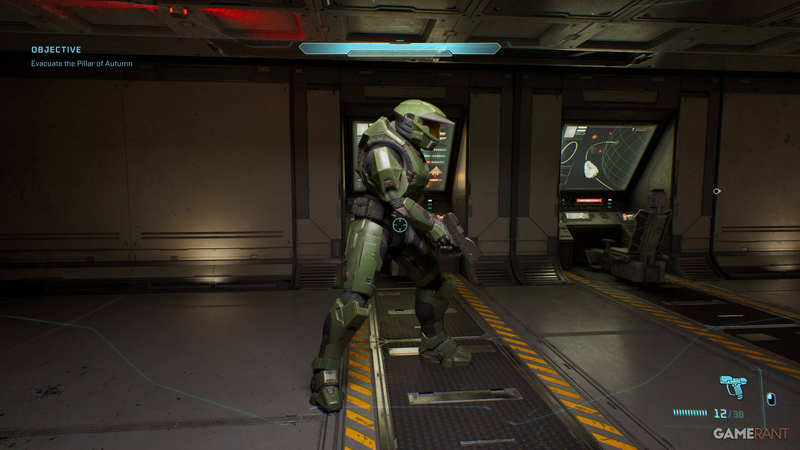
Once you're in Machinima Mode, the camera detaches from your Spartan, letting you fly around the environment freely. This is perfect for grabbing cinematic screenshots of Master Chief's new armor skins, exploring level geometry, or recreating the kind of machinima skits that made the Red vs. Blue series a YouTube phenomenon. But be warned: it's not noclip. Enemy AI can still lock onto your Spartan's position, and if your body takes enough damage, you'll die — even while you're off exploring a distant corner of the map. So keep your co-op buddy alive if you want to stay in freecam.
The Bigger Picture: Machinima and Modded Halo
Halo Campaign Evolved isn't an official Bungie or 343 title — it's a fan-made remaster built by the modding community, similar to how AM2R revived Metroid II before Nintendo's official remake. These community projects often include developer-friendly features like Machinima Mode because they're built by people who love the creative side of the franchise. The mode carries forward a tradition from the original Halo trilogy, where theater modes and freecam tools turned multiplayer matches into short films. That legacy lives on here, accessible through a simple button combo.
A Potential Annoyance (and How to Work Around It)
The only downside is that the default controller mapping forces you to rebind Drop Weapon before the combo works. That's a minor friction point for new players who just want to snap a quick screenshot. On the flip side, the keyboard shortcut is immediate, so PC players have no excuse not to experiment. If you're planning serious machinima work — multiple takes, co-op scenes, custom dialogue — you'll want to be on keyboard anyway for faster toggling. And if you're on controller, the remap takes all of 20 seconds.
What's Next for Halo Machinima
With cross-play support and both online and local co-op, Halo Campaign Evolved is a fertile ground for the next generation of machinima. The freecam tool is just the start. Expect community guides to surface showing how to layer dialogue, stage fights, and edit out the HUD. For now, the most important thing is knowing the combo — and remembering to change that Drop Weapon binding before you start filming. Once you do, you'll see why this mode remains a beloved staple of the series, even in a fan-made package.
Comments (0)
Loading comments…